Typsastra Documentation
Typsastra is a local-first writing environment for Typst, designed for research, technical documentation, theses, books, and multilingual long-form writing.
This site brings together step-by-step workflows, tool references, language guides, and contributor documentation.
New in v0.10.2
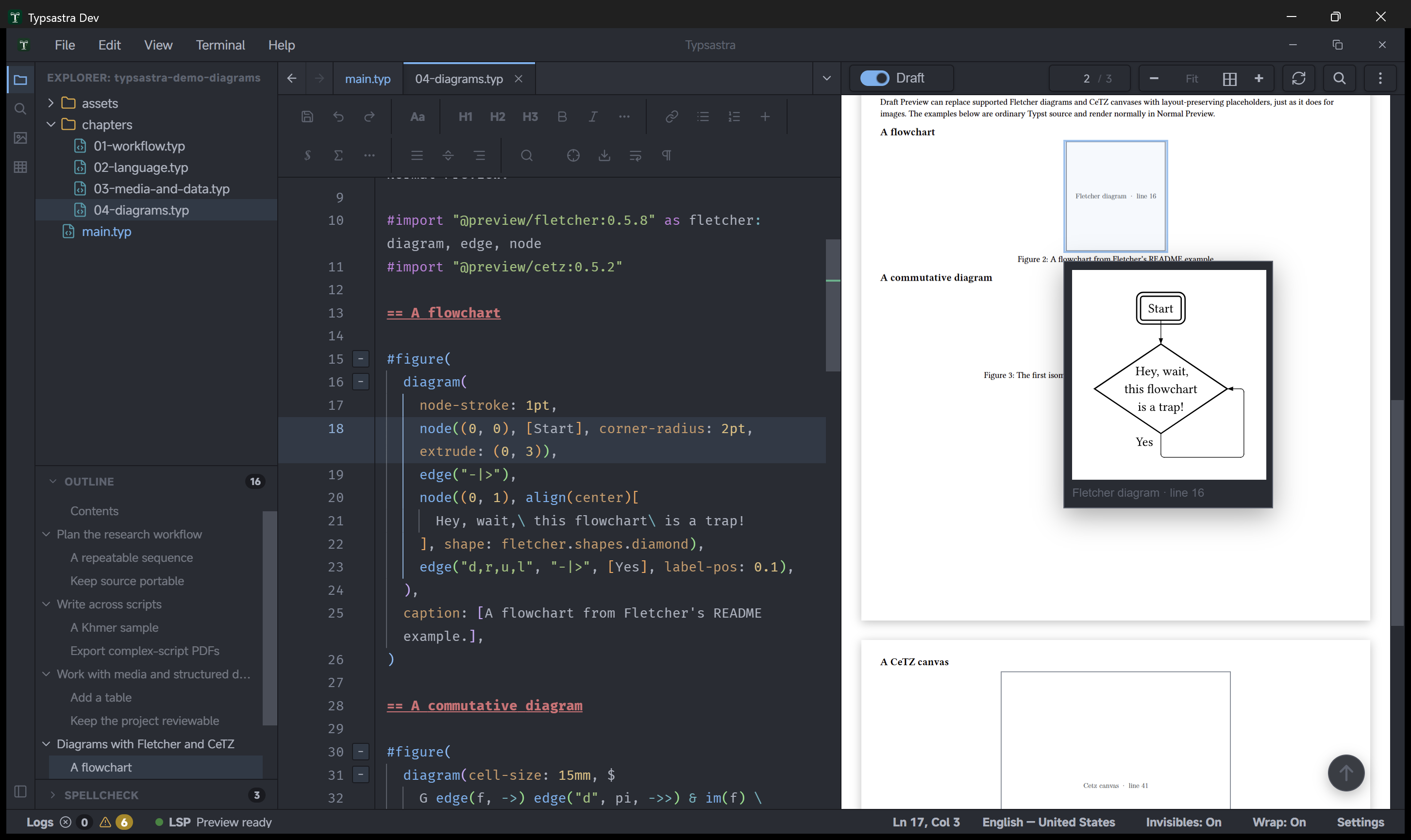
Typsastra v0.10.2 extends Draft Preview to Fletcher diagrams and CeTZ canvases, improves manual recompilation and source synchronization, and adds workflow polish for new projects.
Read the v0.10.2 release notes.
Diagram placeholders
Draft Preview replaces supported Fletcher diagrams and CeTZ canvases with measured placeholders. Hover a placeholder to inspect its cached thumbnail, and use the Normal/Draft control to compare rendered output.
Workflow and preview fixes
Manual Recompile always compiles again. Draft inverse sync places the caret at
the start of the source expression, first-open projects inherit the global
document-language defaults, and Create New Project has a Ctrl+Shift+N /
Cmd+Shift+N shortcut. Fresh installs start without the release summary.
v0.10.1: Image helper chains and editor polish
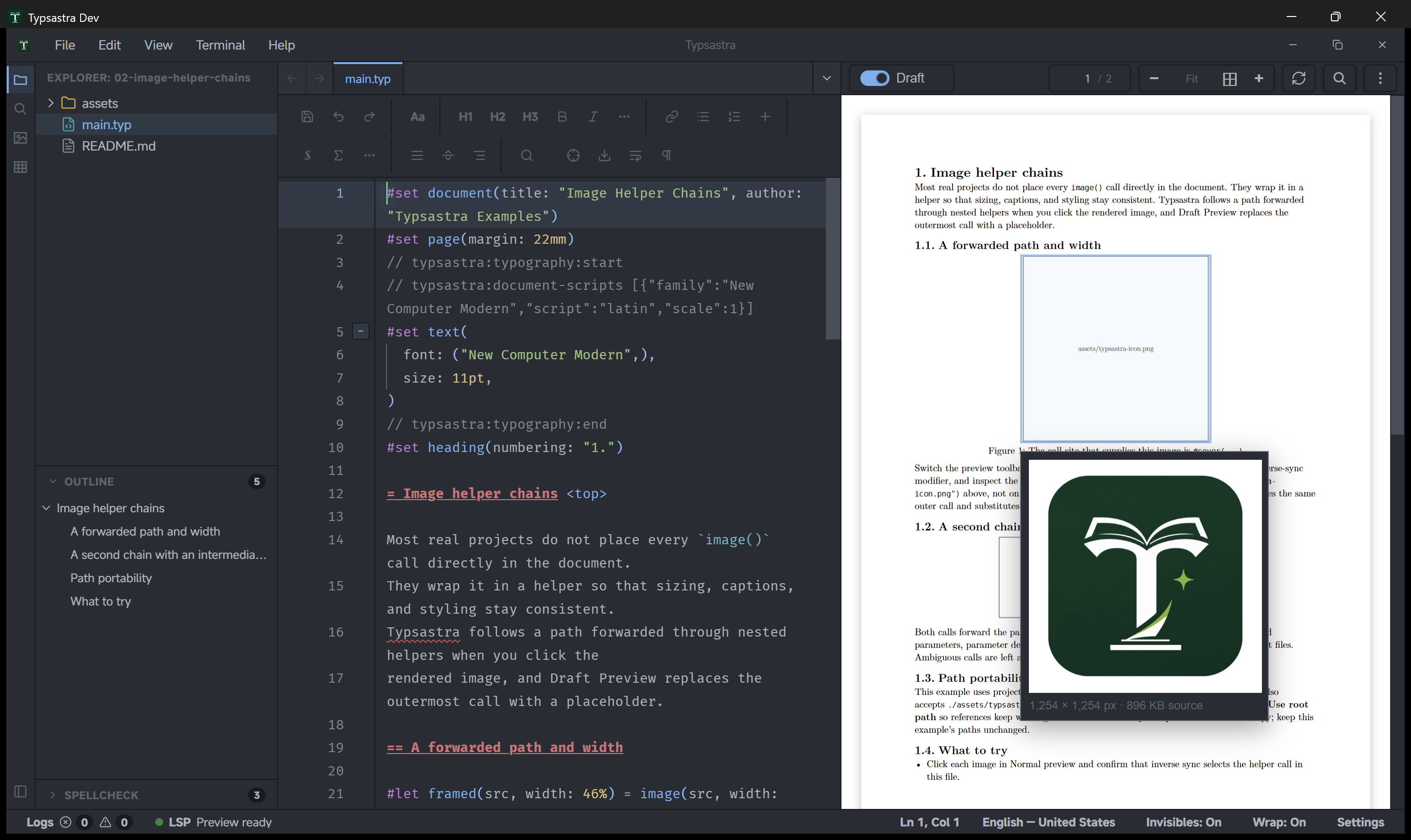
Typsastra v0.10.1 extends image helper handling in both preview directions, removes the first-click delay after a cached preview restore, and refreshes the writable examples and documentation.
Read the v0.10.1 release notes.
Image helper chains
Inverse sync follows nested image helpers to the outermost call that supplied the path, including forwarded parameters, defaults, and named arguments. Draft Preview resolves same-file helper chains and preserves their width and height values in the placeholder.
Preview and editor reliability
Cached preview restores warm the source map before the first inverse-sync click, and scrollbar and gutter markers identify their source after restores and tab changes. Path-taking Typst functions warn about parent-relative paths and offer a root-relative quick fix. Missing toolchains use a non-blocking title-bar badge.
v0.10.0: Search, recovery, and navigation
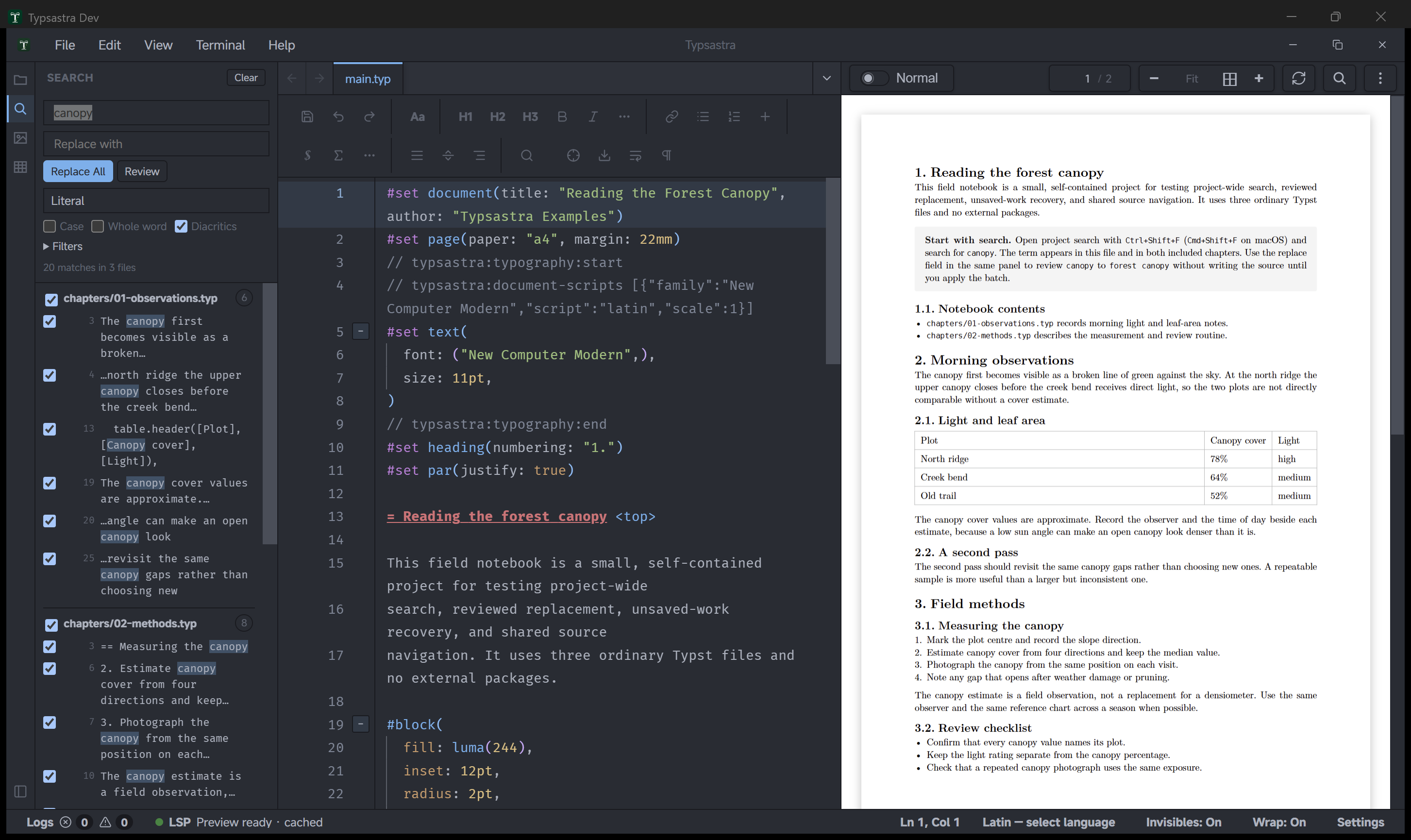
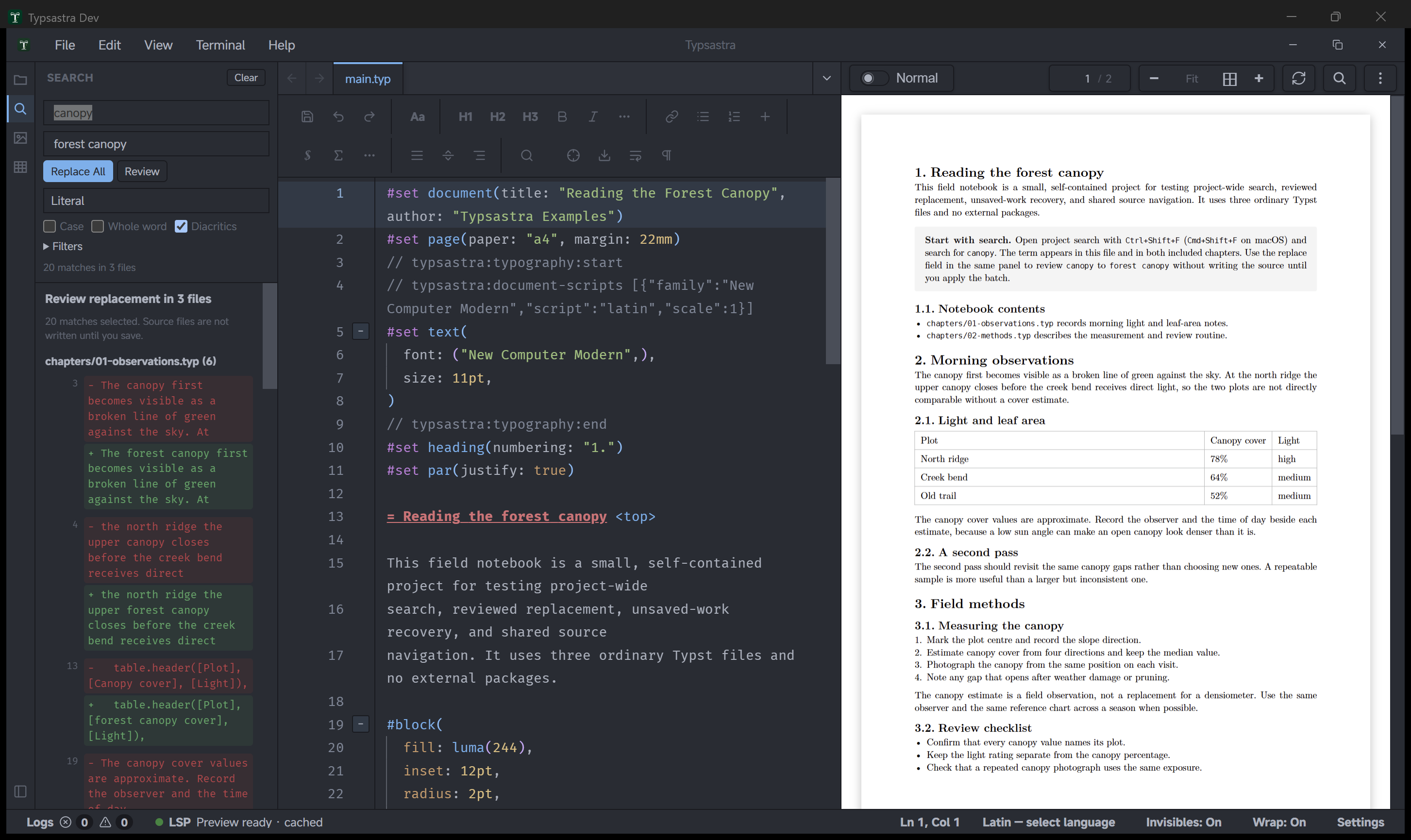
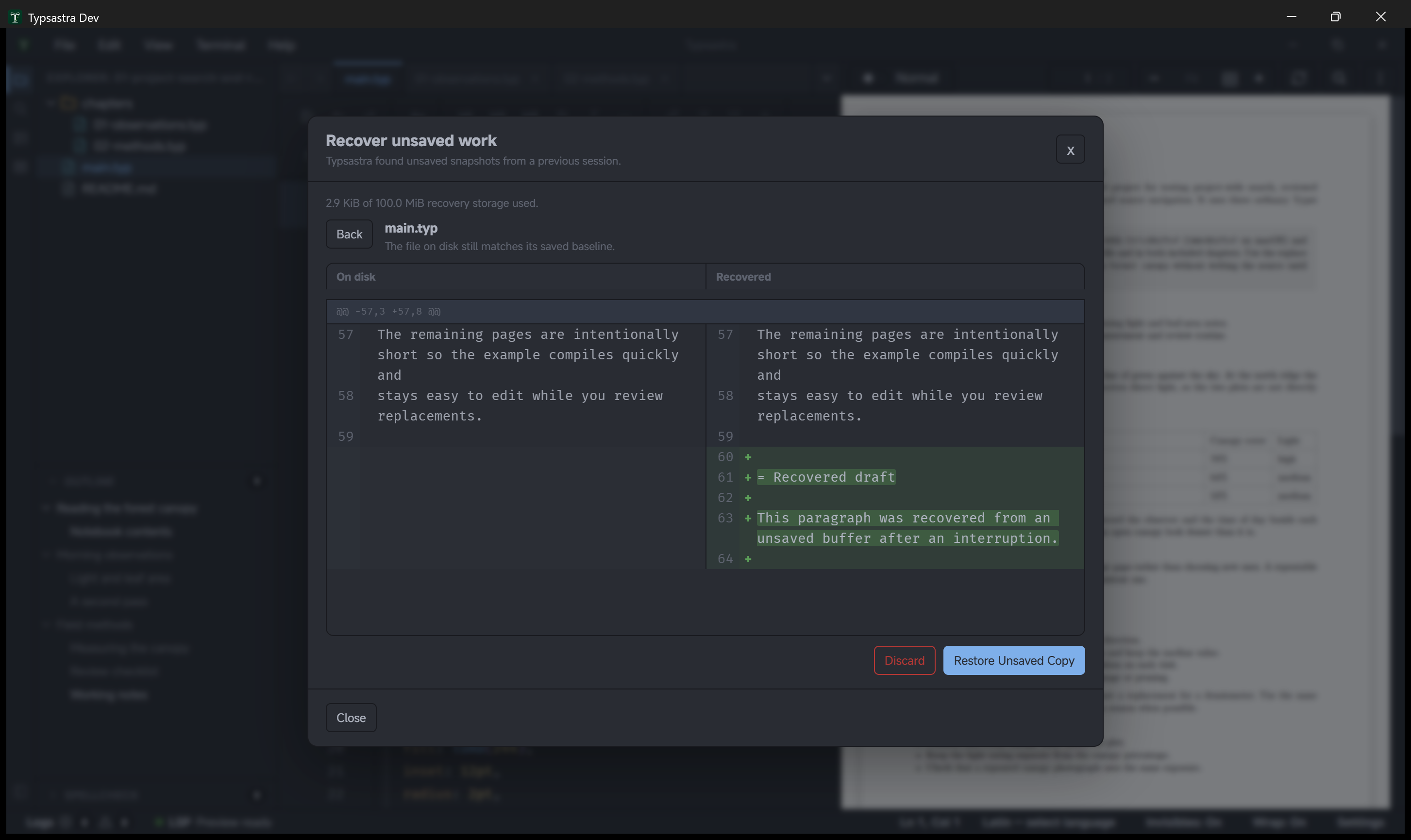
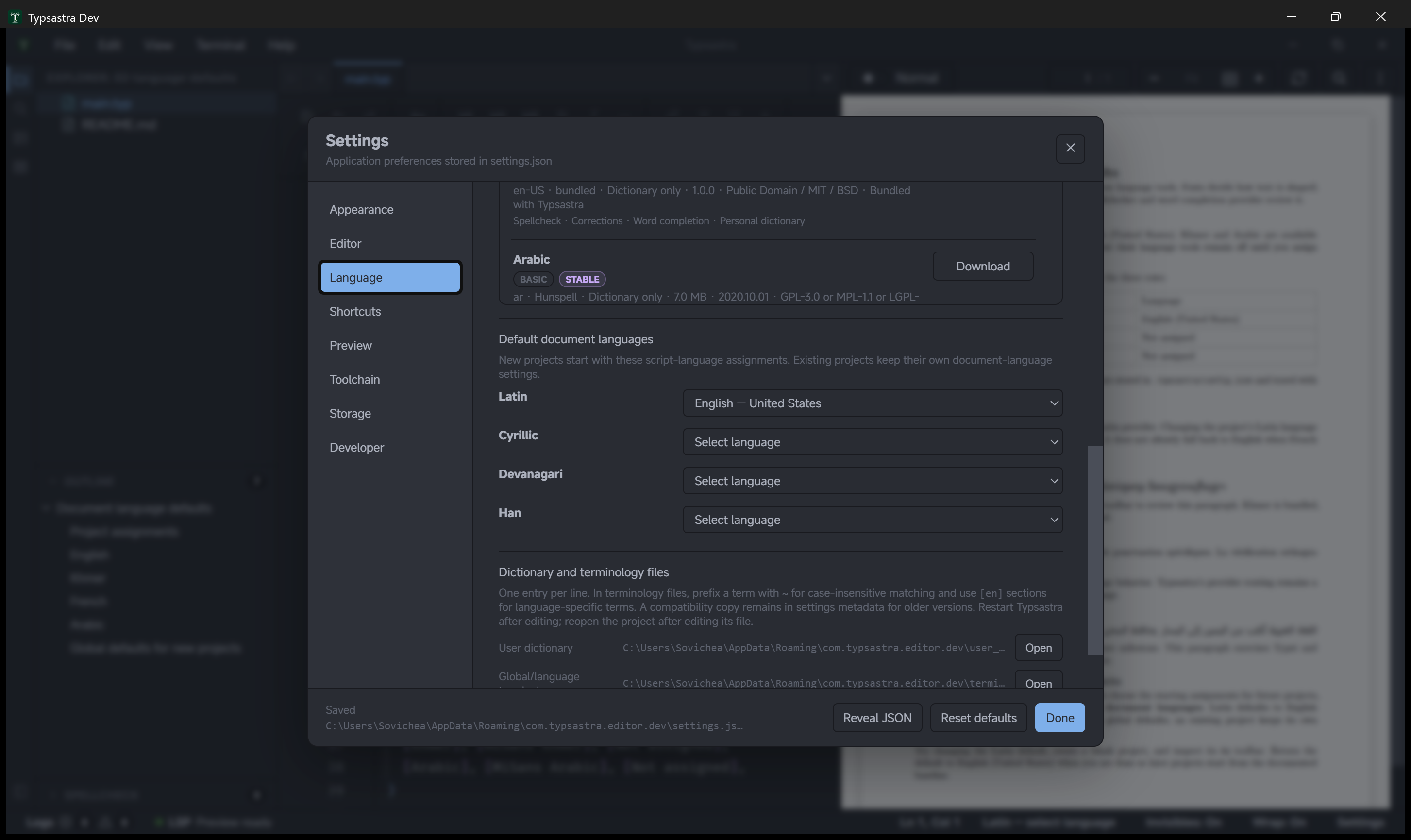
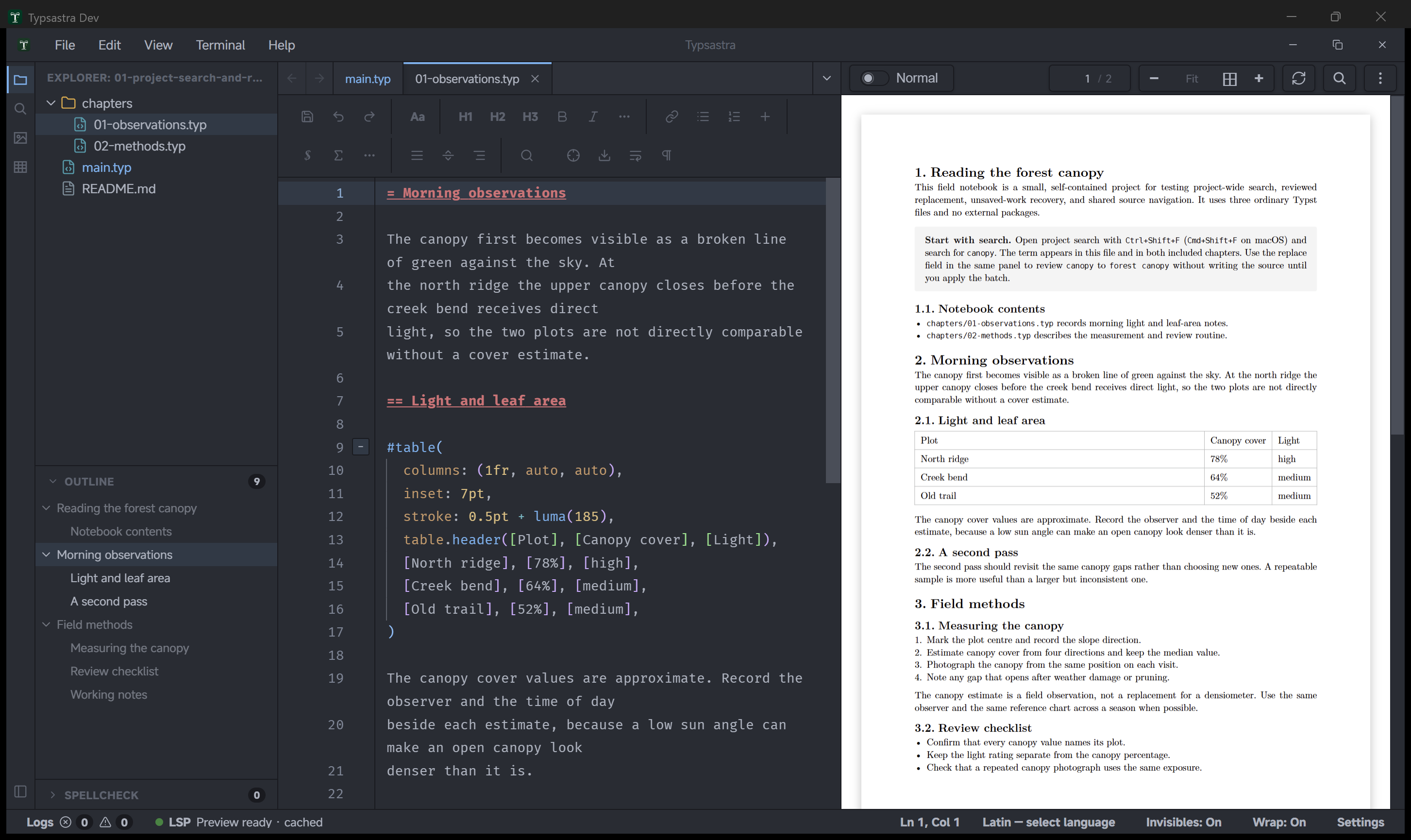
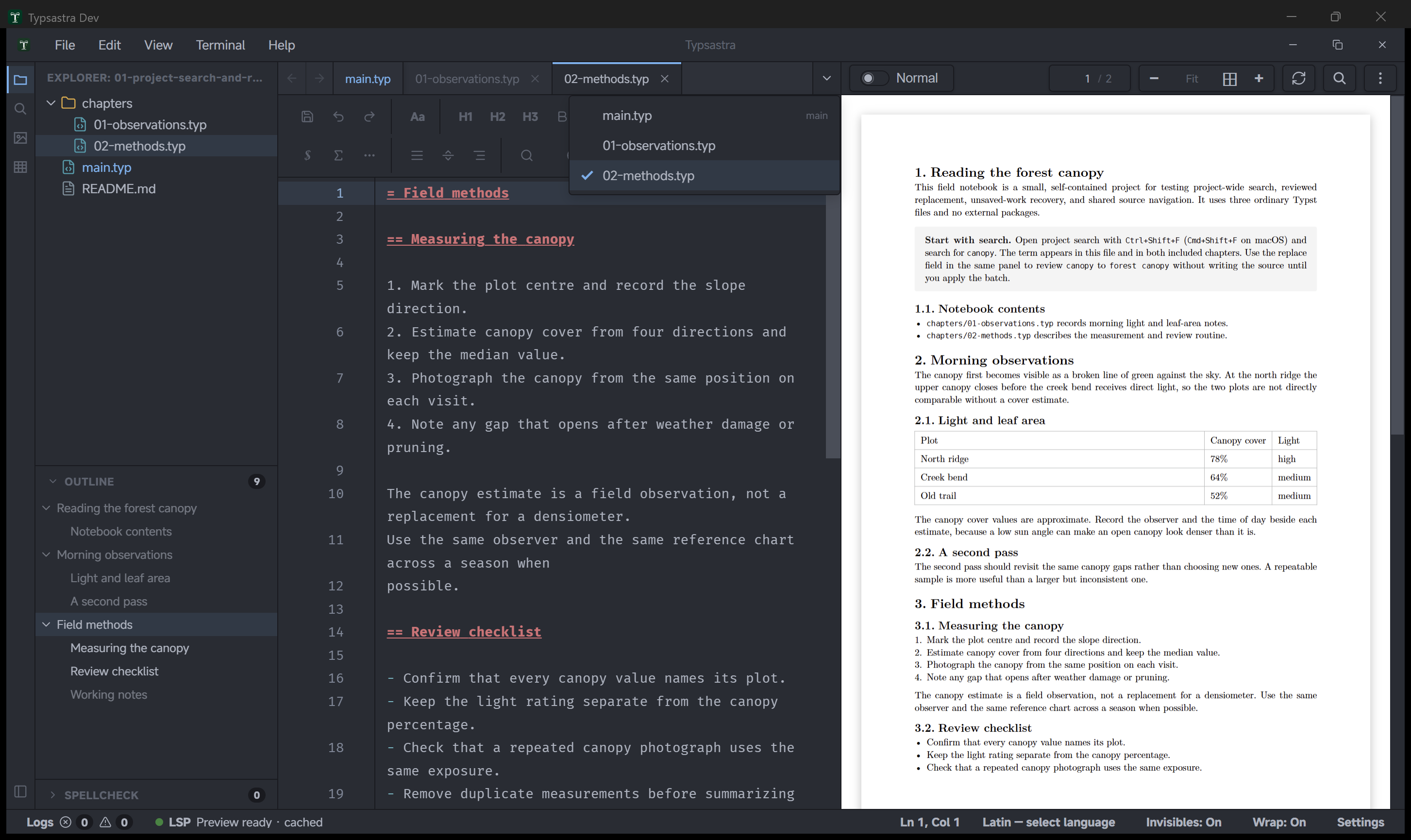
Typsastra v0.10.0 adds project-wide search and reviewed replacement, a shared main-document outline, Back/Forward source navigation, unsaved-work recovery, and global default document languages.
Read the v0.10.0 release notes.
The screenshots below use the writable
07-editor-workflows
examples. Each exercise is a small, ordinary Typst project you can open from
Open Examples and edit safely.
Search and replace across a project
Recover unsaved work
Set default document languages
Main-document outline and tab navigation
The outline follows the configured main document while an included chapter is active. The tab-list menu reaches every open source tab.
v0.9: Table tools, standalone files, and faster editing
Typsastra v0.9 introduced the Table Tool and template-based project creation, then added programmable shortcuts, standalone file support, stronger completion, language-provider compatibility, and faster preview navigation through v0.9.6.
Read the v0.9 release notes.
Preview and media examples
The 06-preview-and-media examples cover Draft Preview, nested image helper
chains, preview navigation, private fonts, and Markdown notes. The Markdown note
exercises sanitized GFM rendering, task lists, tables, workspace links and
images, mixed scripts, and blocked remote content.
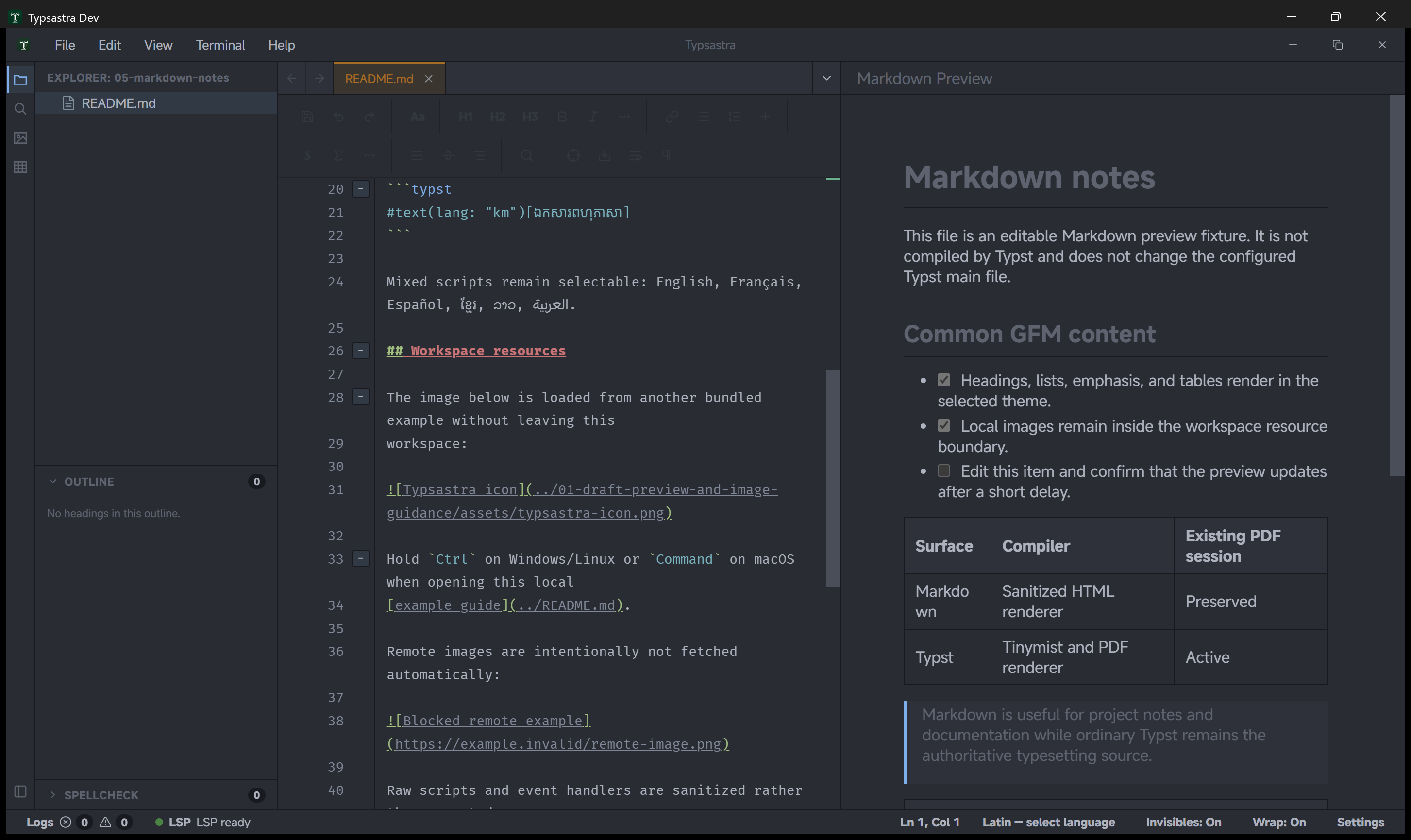
See Draft Preview, PDF preview and synchronization, Image Tools, and Markdown live preview.
Tools and templates examples
The 08-tools-and-templates examples cover project-owned Table Tools blocks,
table export and import, and project creation from Universe, downloaded, and
user templates. The linked-table exercise can recover a table model from its
generated source when project metadata is missing.
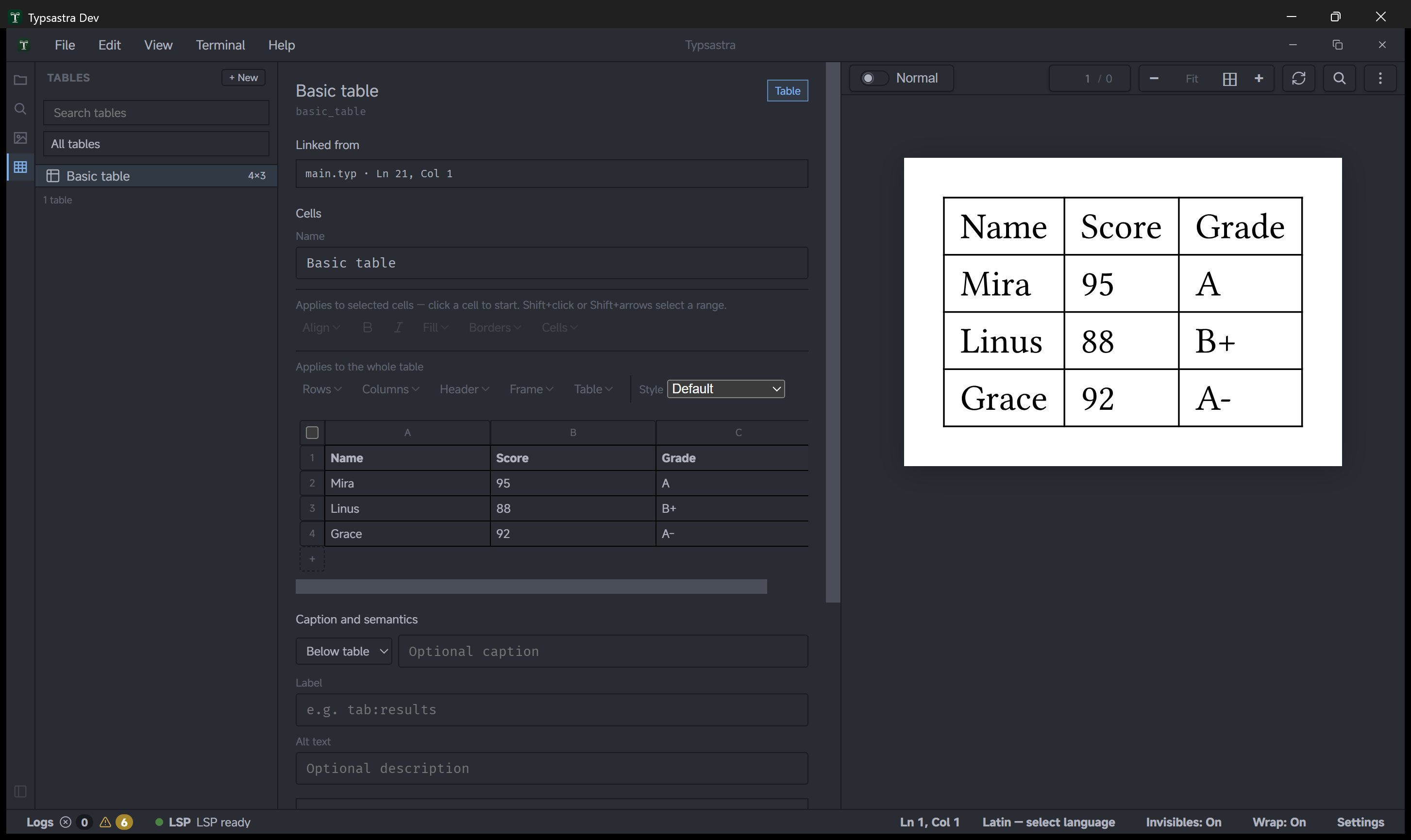
See Table Tools, Create from templates, and Project import and export.
Start here
- Install Typsastra — download a release or install from the project Scoop bucket.
- Getting started — open or create your first project.
- Projects and main files — understand multi-file projects and main documents.
- Create from templates — browse Universe, offline, and user templates.
- PDF preview and synchronization — work with live preview and source navigation.
- Search a project — find and review replacements across project files.
- Editor productivity — navigation, recovery, shortcuts, and editing workflows.
- Image Tools — inspect, crop, and optimize project images.
- Table Tools — create, link, and edit Typst tables.
- Settings reference — configure editing, preview, language tools, and appearance.
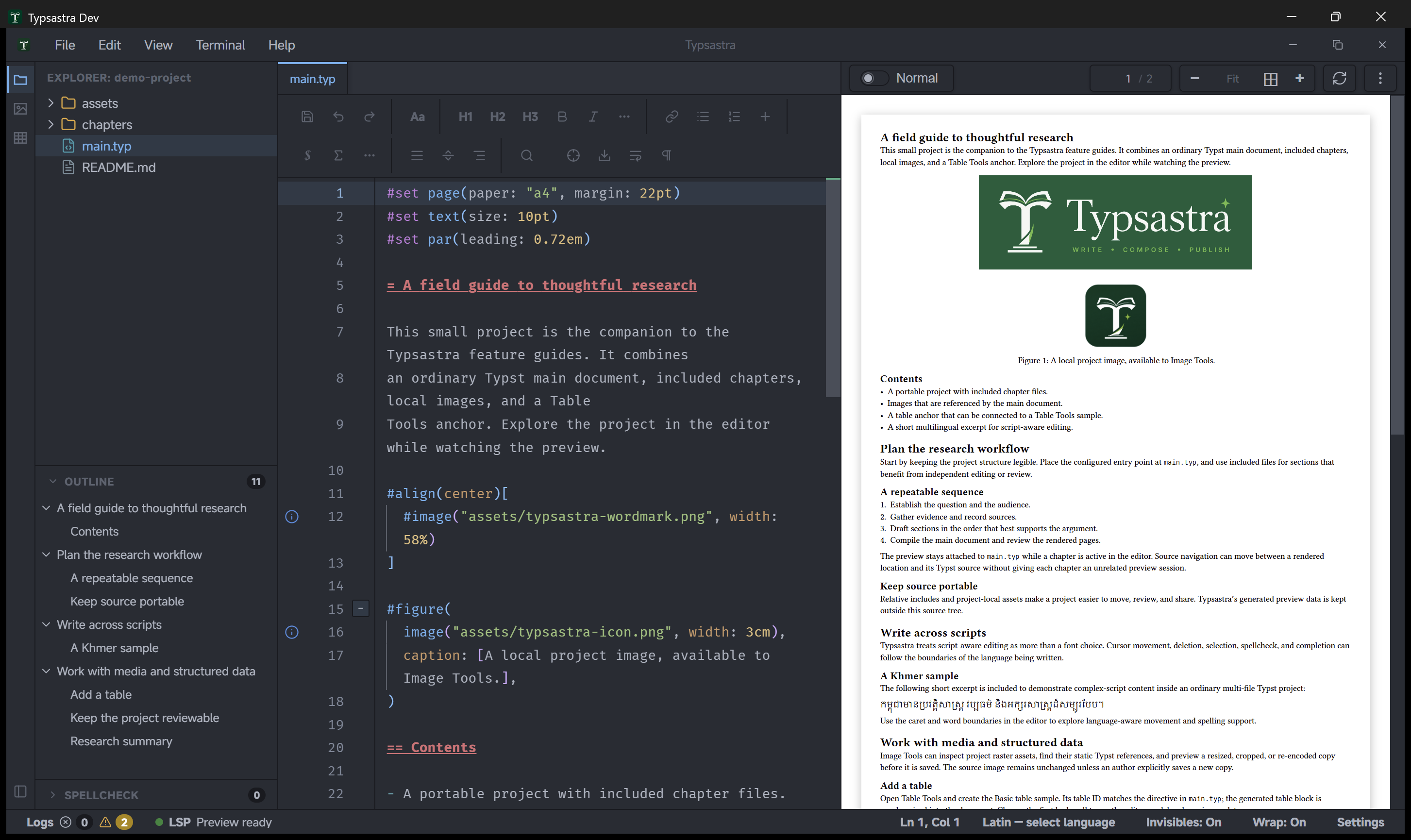
Watch feature demos
Draft Preview
See image and diagram placeholders preserve document layout while you work:
Khmer and document typography
See script-aware font and language settings in a real workspace:
Explore the documentation
Use the navigation to browse tutorials and user references. The feature guide groups the product documentation, while the development guide covers building and validating Typsastra itself.